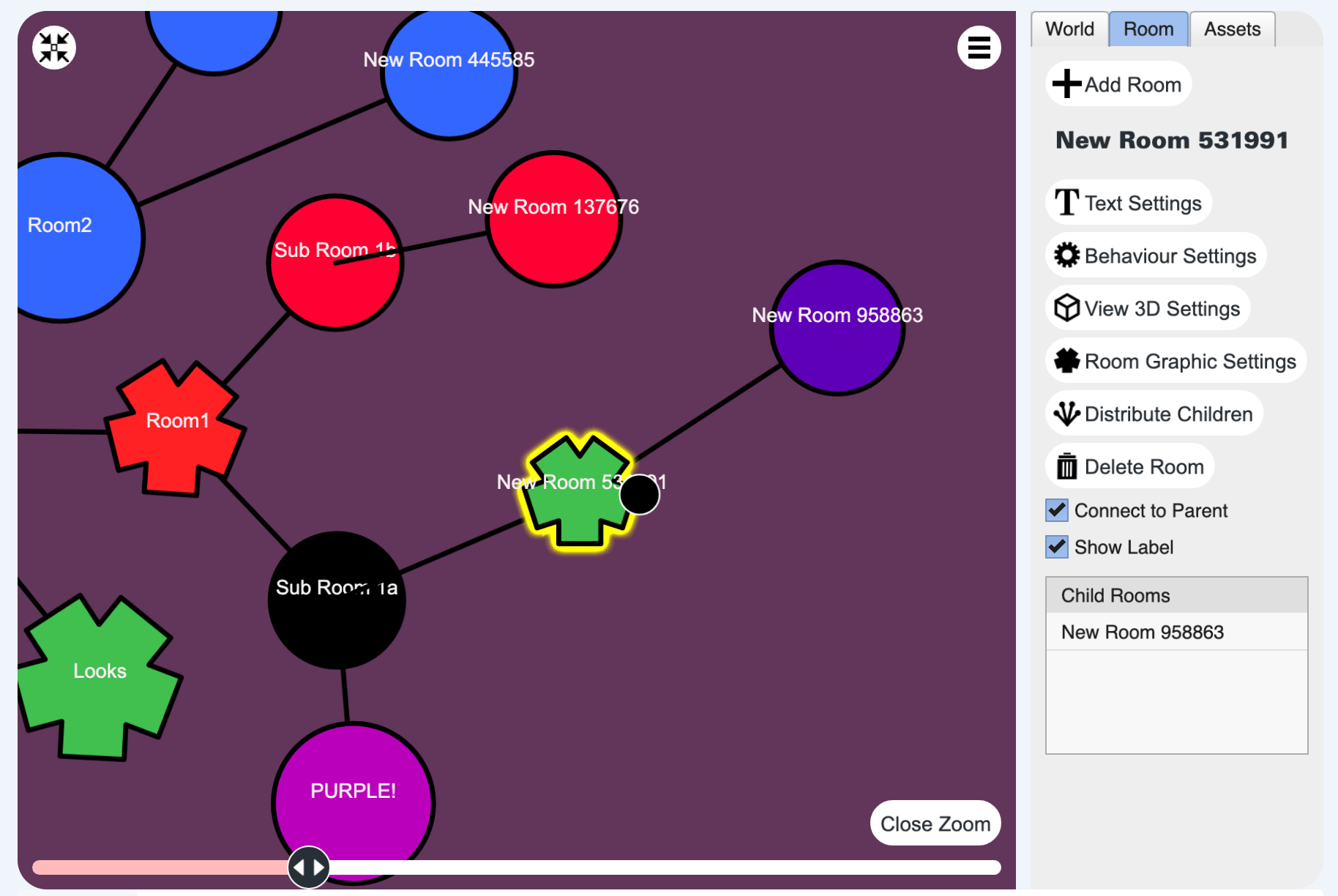

One great feature in 3DBug is the ability to define custom room shapes. You can use hand-coded SVG or files created using your favourite image editing software. SVG files have the advantage of being scalable without loss of quality, allowing you to enjoy crisp lines at any size.
Uploading To The Media Manager
When 3DBug is installed, it adds SVG as an allowed file type. After you have created your desired SVG file you will need to upload it to the Joomla media manager. In the administration area go to Content>Media. It is a good idea to organise your graphics into folders. After you select or create your folder, open it and click the Upload button.
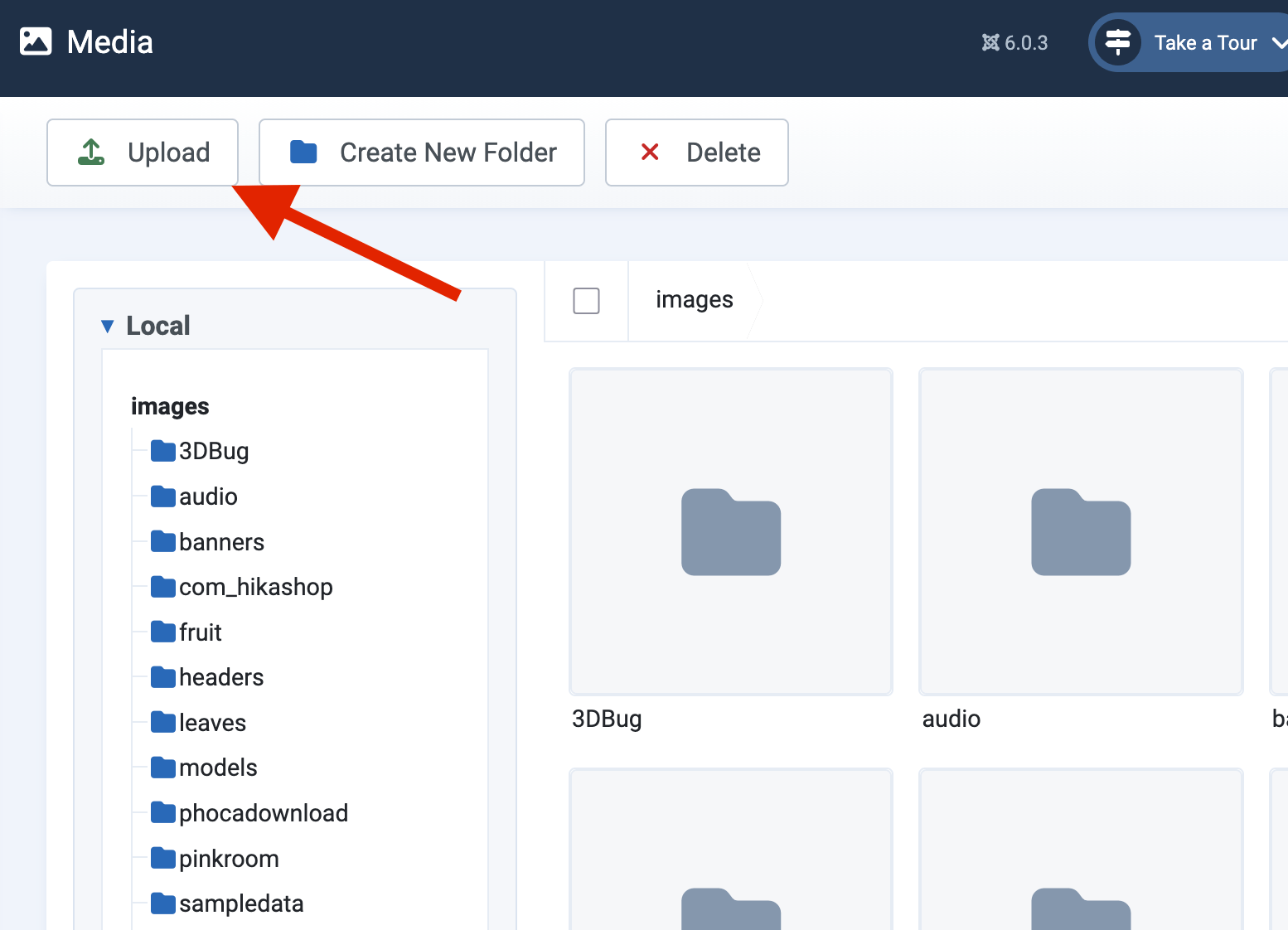
Select your local file and click Open, which will send it to the server. It will appear in the file listing window. Now it is on the server and you can link to it in the 3DBug component.
Configure your 3DBug Room to use an image
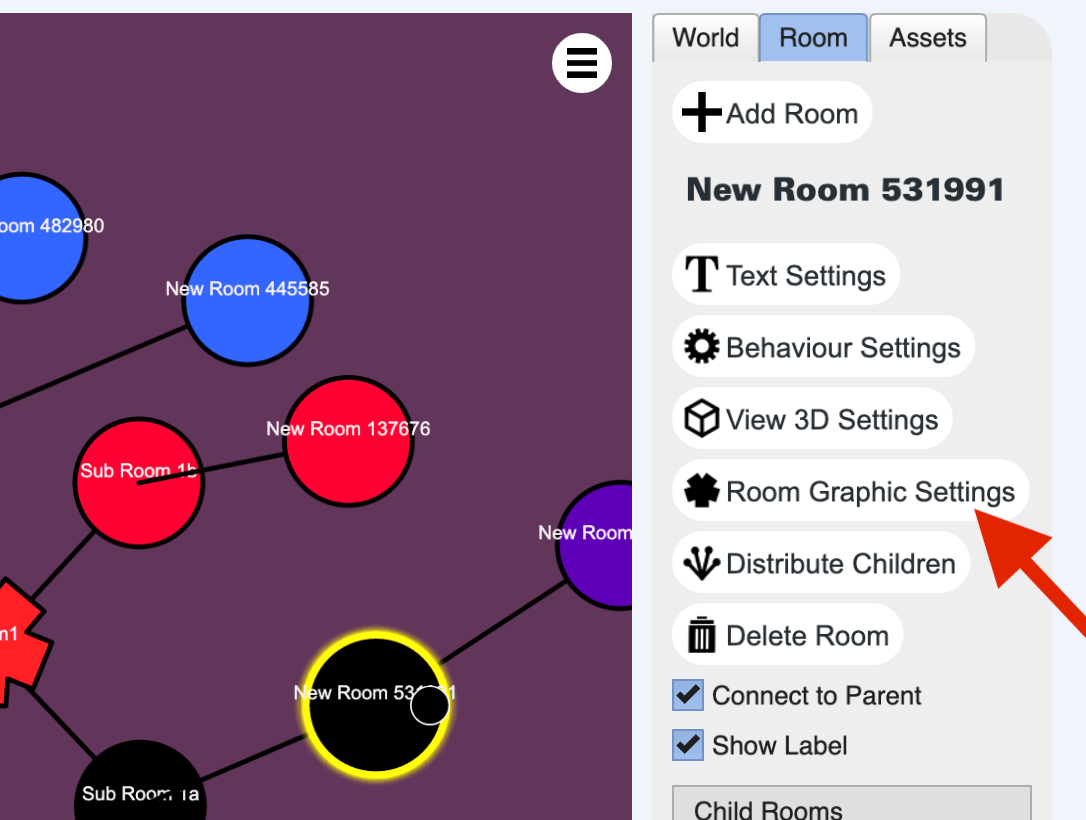
Now you have to edit your 3DBug World and select the room you want to change, then click Room Graphic Settings in the control panel.
Now you have two options.
Option 1: Paste svg code directly into the graphic field.
Option 2: You may paste your file path into the text box or use the “Select Content” button to choose a file from the Media Manager.
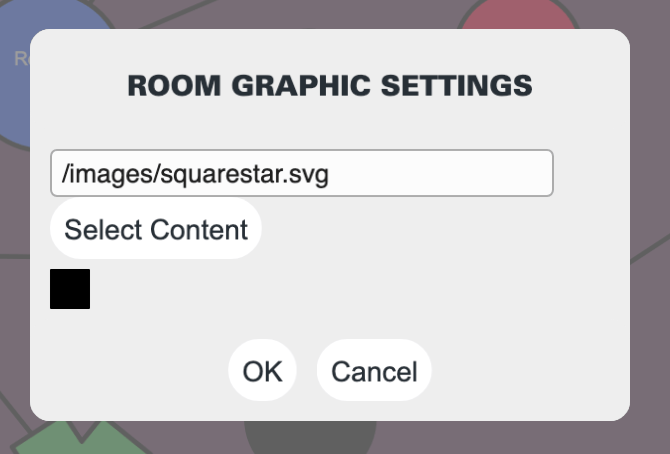
After entering the path or selecting the image click OK. Now you have a new shape for your room! Note that the colour is no longer editable. You will need to change the svg file directly to make any changes.